 Supermail
Blog
What we build in Supermail, the Gmail app for Mac and iPhone, and how to get the most out of it.
-
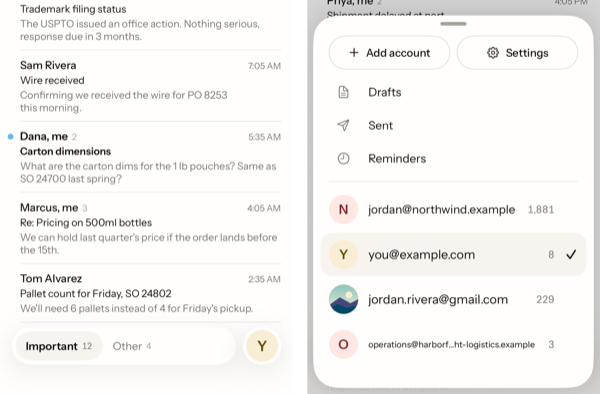
All your Gmail accounts in one app
· Mac and iPhone
Work, personal and side project accounts side by side. One key or one tap switches between them, and your other addresses reply from the right place.
-
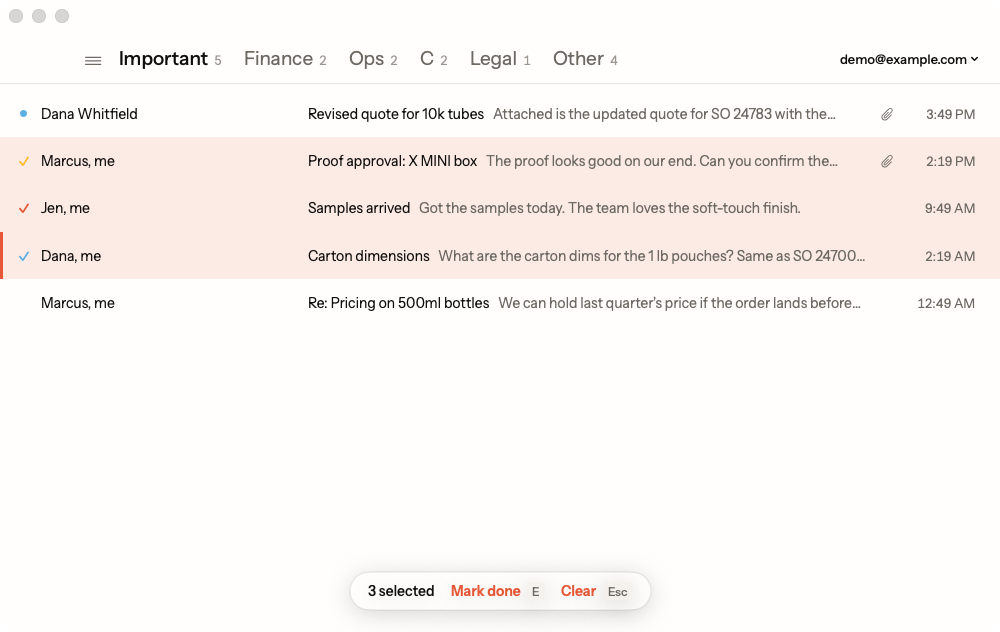
How Super Labels sort your inbox
· Mac and iPhone
Super Labels are the tabs across your inbox. Important and Other split real people from bulk mail, and on the Mac you can add a tab for any Gmail label.
-
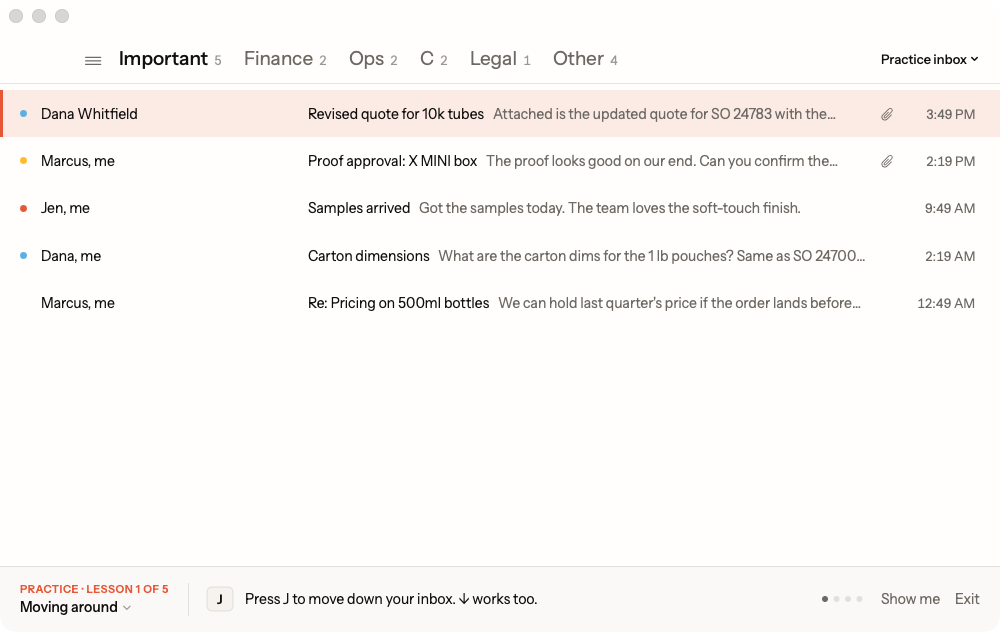
Learn Supermail's keys on a practice inbox
· Mac
Supermail runs on the keyboard. A five-lesson tutorial teaches the main keys on made-up mail, so your real inbox stays untouched while you learn.
-
Outlook support is coming in 2026
· News
Supermail works with Gmail today. Outlook support is coming in 2026.
-
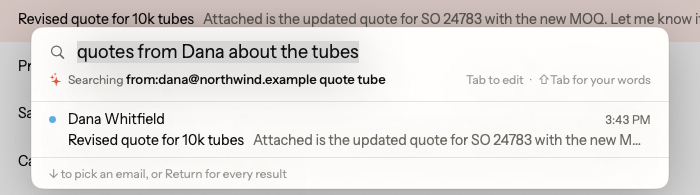
Three ways to find any email
· Mac and iPhone
Type Gmail's search words, type a plain sentence, or fill in a form. Results from your own device show up as you type.
-
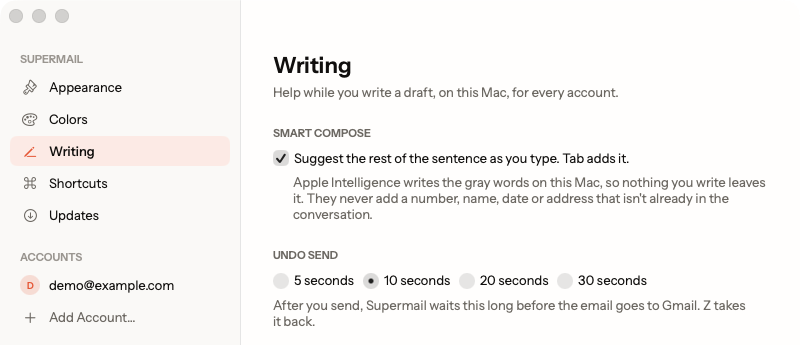
Two safety nets before an email leaves
· Mac and iPhone
Undo Send holds every email for 5 to 30 seconds so you can take it back, and Supermail asks before it sends a "see attached" with nothing attached.
-
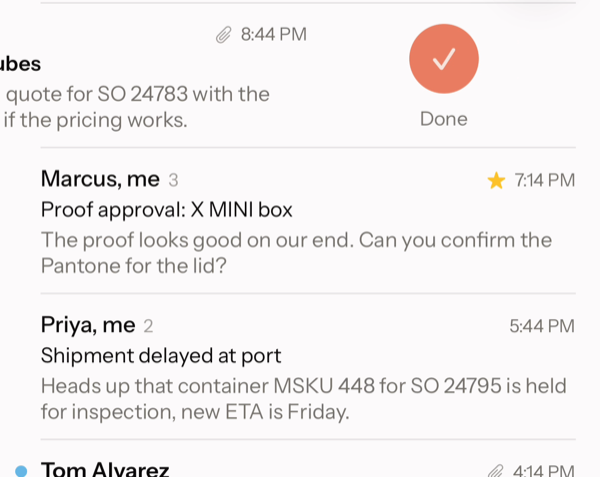
Why Supermail feels fast
· Mac and iPhone
Your mail lives on your device, every action shows on screen before Gmail hears about it, and your hands never leave the keyboard.
Follow along with the RSS feed.