 Supermail
Why Supermail feels fast
· Mac and iPhone
Supermail is built so you never wait on your email. Here's what makes it fast. No benchmarks, just how it works.
Your mail is already on your device
Supermail keeps a copy of your mail on your Mac and iPhone, encrypted. When you open the app, your inbox comes from that copy, not from a trip to Gmail. Every 15 seconds, Supermail asks Gmail what changed and downloads only those conversations.
Every action shows up first
Press E, swipe an email away or add a label, and the screen changes right away. Supermail tells Gmail in the background. If Gmail says no, the email goes back where it was and Supermail tells you. Z undoes your last 30 actions.
Emails open before you click
Supermail downloads the emails you're most likely to read next: the top of your inbox, the ones right around the email you're reading, and the top search results.
Search starts before Gmail answers
Matches from the mail on your device appear as you type. Gmail's results join them when they arrive.
Swipes and switches without the wait
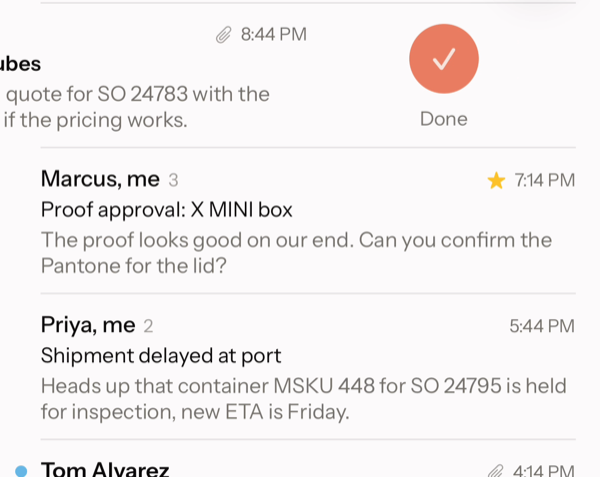
On iPhone, a full swipe acts the moment your finger lets go. The email slides away and the next one moves up in a fraction of a second.
Your other accounts load ahead of time on the Mac and iPhone, so switching accounts doesn't wait on a spinner.
Your hands stay on the keyboard
The biggest speedup is not reaching for the mouse. J and K move, E marks done, H sets an email aside, R replies and ⌘K finds everything else. Learn them in a few minutes with the practice inbox.
Supermail is invite-only for now.
Request access