 Supermail
Learn Supermail's keys on a practice inbox
· Mac
Supermail runs on the keyboard. Learn about a dozen keys and you can clear a full inbox without touching the mouse.
The fastest way to learn them is the tutorial. Press ⌘K, type "tutorial" and press Return. It opens a practice inbox full of made-up email, so nothing you do there touches your real mail.
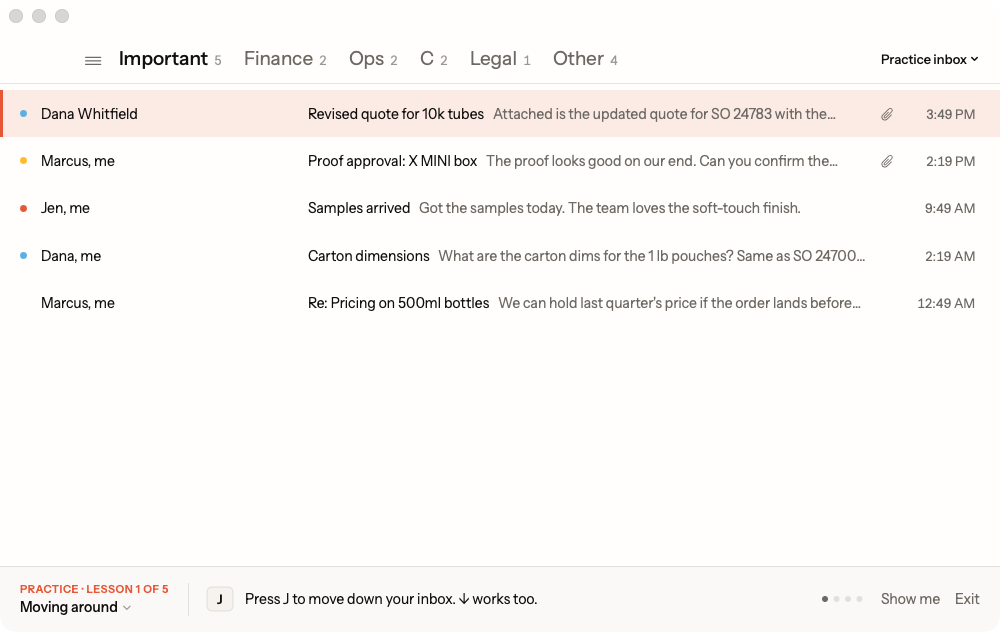
Five short lessons
- Moving around. J moves down your inbox and K moves back up. Return opens an email and Esc takes you back.
- Inbox zero. E marks an email done. It leaves your inbox and stays in Gmail. H sets it aside until a time you type, like "tomorrow 9am". Z undoes almost anything.
- Replying. R replies, A replies to everyone and ⌘↩ sends. C starts a new email. Close a draft with Esc and ⌘D brings it back.
- Search and Super Labels. / searches, and Gmail's search words work too, like from:dana. Tab moves to the next Super Label, the tabs across the top of your inbox.
- Every shortcut in ⌘K. ⌘K lists every command with its key. It's your cheat sheet.
Each step waits until you've done it, then moves on. If you get stuck, Show me does it for you.
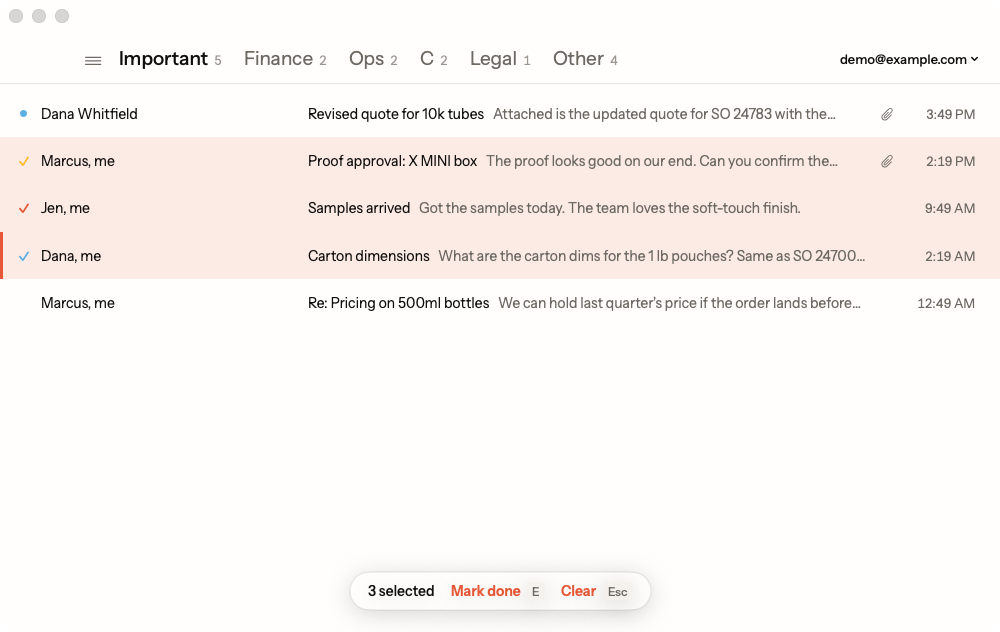
Handle a stack of email at once
Press ⇧J to select an email and the one below it, and keep pressing for more. Then E, H, L or # works on all of them at once. After a search, ⌘A selects every match.
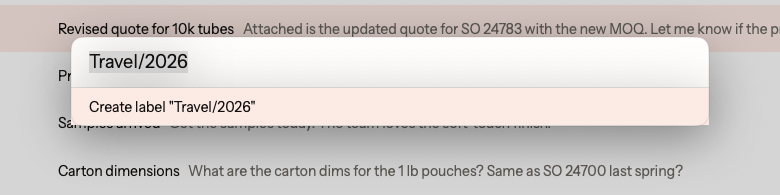
Labels without the mouse
L opens the label box. Type a label you already have, or a new name, and Supermail creates that label in Gmail. Z takes back any label you add or remove.
Find the rest in ⌘K
There are many more keys. You don't need to memorize them. Press ⌘K, type what you want to do, like "star" or "label", and the key is listed right next to it.
Supermail is invite-only for now.
Request access